How reselling monitors and Discord alerts work
How reselling monitors and Discord alerts work, why refreshing pages by hand loses, and how a few seconds of speed decide who catches limited-stock drops.
Turn this into live alerts.
Use the Divine Pro free trial to see sneaker, retail, card, price-error, and autocheckout alerts before you pay.
Start Divine Pro free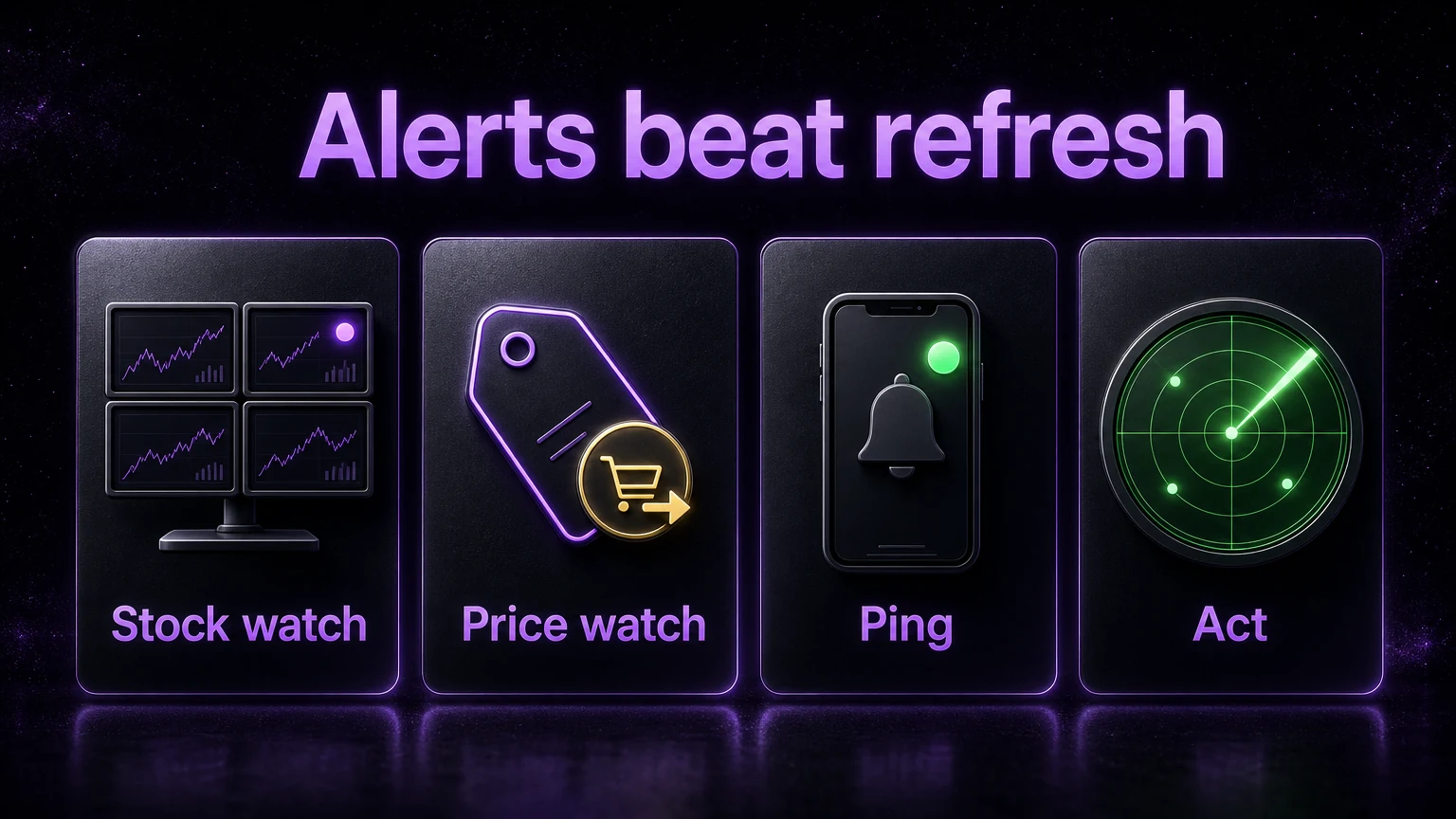
It is 11:47 on a Tuesday. A hyped restock drops with no announcement. You are at work, phone face down, thumb nowhere near a refresh button. By the time you glance at the screen, the sizes you wanted read "sold out" and a flipper three states away already has two pairs in a shipping box. You did nothing wrong. You were just not looking at that one tab at that one second out of the 86,400 seconds in the day.
That is the whole game on limited stock. Not effort. Not hustle. Timing measured in seconds. And here is the lie that keeps people slow: "you can just refresh the pages yourself." You cannot. Not across a dozen sites, not for sizes and prices at the same time, not for the eighteen hours a day you are asleep, driving, or in a meeting. A human refreshing one tab is a smoke detector you have to hold in your hand and stare at all night. A monitor is the smoke detector bolted to the ceiling that screams the instant something changes, on every floor, forever.
This post breaks down exactly how monitors and Discord alerts work, mechanically, and lands the one number that matters: how many seconds they save you, and why those seconds are the entire edge.
The expensive false belief: "I can just refresh it myself"
Picture your best possible manual effort. You are locked in, coffee hot, watching one product page. How fast can a human sustainably refresh by hand? Realistically every five to ten seconds before your eyes glaze and your thumb cramps. Now stretch that across a whole day. Nobody refreshes one page every eight seconds for sixteen straight hours. You blink, you eat, you work, you sleep.
So manual monitoring has three fatal gaps, and they are not fixable with willpower:
- Coverage gap. You can actively watch maybe two or three hours a day, hard. That leaves roughly 85 percent of the day uncovered. Drops do not wait for you to be free.
- Width gap. You can stare at one tab at a time. A serious sourcing day means Nike, three Shopify boutiques, a footsite, a card retailer, and a marketplace, all live at once. One set of eyes cannot be on eight pages.
- Precision gap. A general product page can say "in stock" while your size or the specific variant you want is still gone. You react, you click, you get nothing, and you burned the ten seconds that mattered.
The villain here is not you. It is the belief that grinding harder beats being watched everywhere at once. Manual refreshing is losing to software that never blinks, and no amount of dedication closes that gap. The fix is not to refresh faster. It is to stop refreshing at all and let a machine do the watching.
What a monitor actually is
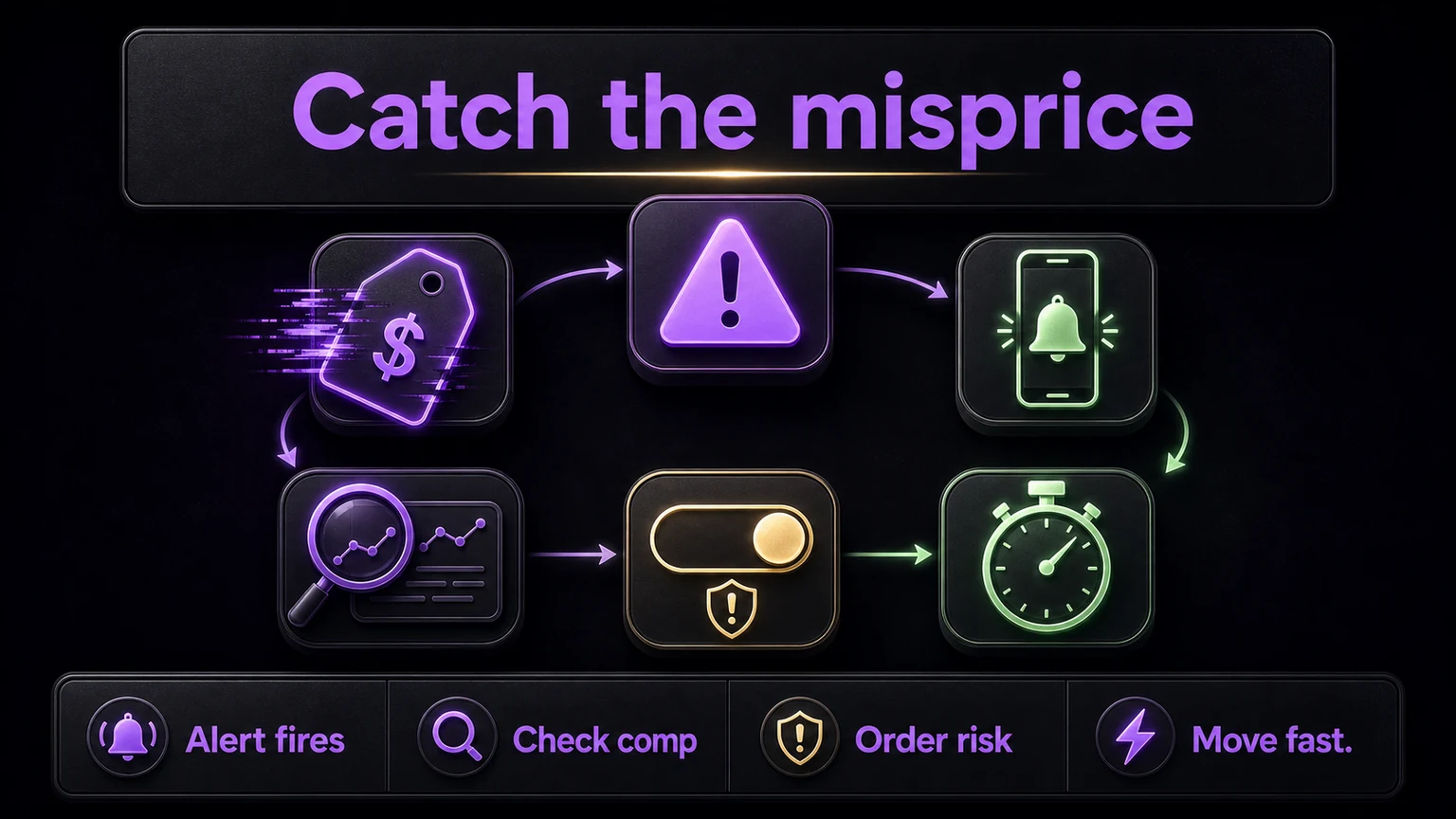
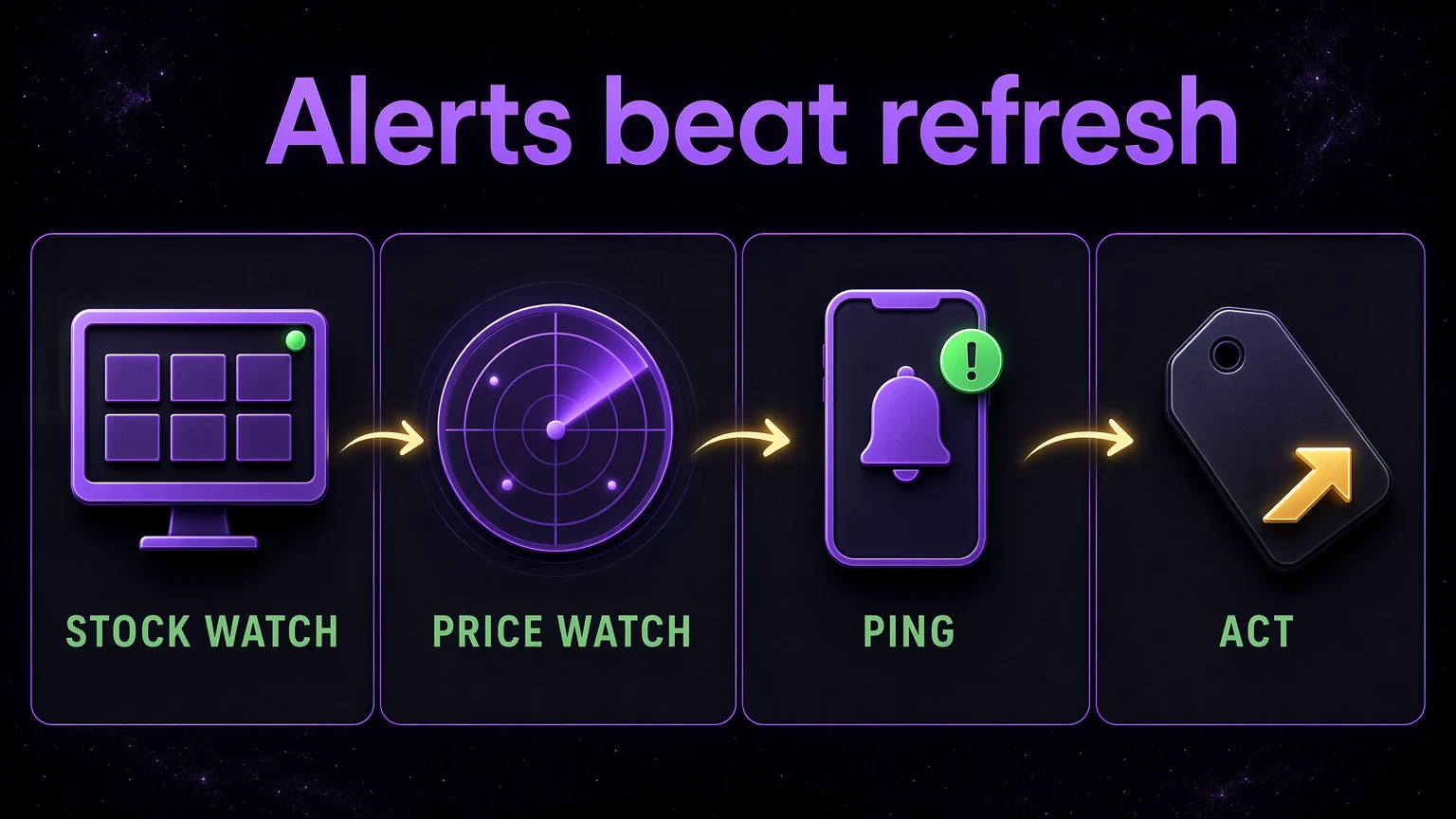
Strip away the mystique. A monitor is a small program that does three boring things in a loop, forever:
- Check. It fetches a specific page or data feed on a schedule (the "poll interval"), maybe every couple of seconds.
- Compare. It holds the last known state in memory and diffs the new check against it. Was that size sold out a second ago and available now? Did the price just drop? Did a hidden product page just go live?
- Alert. The instant something changes, it fires a message to you, most commonly through a Discord webhook, which lands as a push notification on your phone in seconds.
That loop is the entire mechanism. Check, compare, alert. The magic is not intelligence. It is tirelessness and speed. A monitor runs that loop on a server that never sleeps, across every site you point it at, all at the same time.
How it "sees" stock
There are two ways a monitor reads inventory, and the difference decides whether it works at all.
Reading a data feed directly. Many stores expose structured data behind the scenes. The best known example: nearly every Shopify store publishes a public feed at /products.json. It requires no login and lists products, variants, prices, and an available true or false flag per variant, up to 250 products per page. A monitor just requests that feed, watches the available flag on the exact variant you care about, and the moment it flips from false to true, that is a restock. This is fast and clean because the monitor reads the raw truth instead of guessing from a webpage.
Rendering the page like a browser. Not every site is that generous. Roughly 10 to 15 percent of Shopify merchants disable the public feed, and many big retailers load stock status with JavaScript after the page opens. A dumb scraper that reads raw source sees an empty placeholder where the "add to cart" button will be. So better monitors render the page the way a real browser would, wait for the stock element to load, and read the true state. Slower and heavier, but it sees what you would see.
Either way, the monitor is watching one specific thing, the exact variant, the exact size, the exact price threshold, and it never looks away.
Why "just scrape harder" gets you blocked
High-demand retailers actively defend against automated traffic, and this is where amateur setups die. Hammer a site too fast and you trip defenses. Shopify returns a rate-limit error (status 430) if you poll too aggressively. Public open-source monitors have documented getting hit with CAPTCHAs, having their host banned by retailers, and getting their whole network range blocked by Cloudflare for crawling too hard.
That is why real monitor operators space out requests, rotate IP addresses through proxies so traffic looks like ordinary browsers, and tune poll intervals to stay under the radar. A community that runs shared, maintained monitors absorbs that arms race for you. Running your own from a GitHub repo means you personally fight the bans, the CAPTCHAs, and the broken feeds every week. That is a second job.
How the Discord alert reaches your phone
Once a monitor detects a change, it needs to reach you fast. Discord webhooks are the standard delivery channel for a reason.
A webhook is just a special URL Discord hands out for a channel. The monitor sends an HTTP POST to that URL with a formatted message, and the message appears in the channel instantly. Everyone subscribed to that channel with notifications on gets a push to their phone at the same moment. That last part matters: in a coordinated group, one detection pings a hundred people simultaneously, so the whole community reacts together instead of one lucky person at a time.
A good alert is not just "restock." It carries structured data so you can act without thinking:
- The exact product and which sizes or variants are live
- A direct link, sometimes a pre-filled add-to-cart link that drops the item straight into your basket
- The current price, so a price-error or clearance alert is obvious at a glance
- A timestamp, so you know the alert is fresh and not stale
Speed of channel is not a small detail. Push channels like Discord and Telegram arrive in seconds. Compare that to a retailer's own "notify me when back in stock" email, which is batch-processed through a marketing system and routinely lands 30 minutes to several hours late, often after the item sold out a second time. By then the alert is a tombstone, not a tip.
This is also where autocheckout tools plug in. The webhook that pings your phone can also trigger software that opens the page and attempts checkout for you. That is a separate topic covered in what are autocheckout bots, but the monitor is the trigger that starts the chain.
The number: how many seconds a monitor actually saves
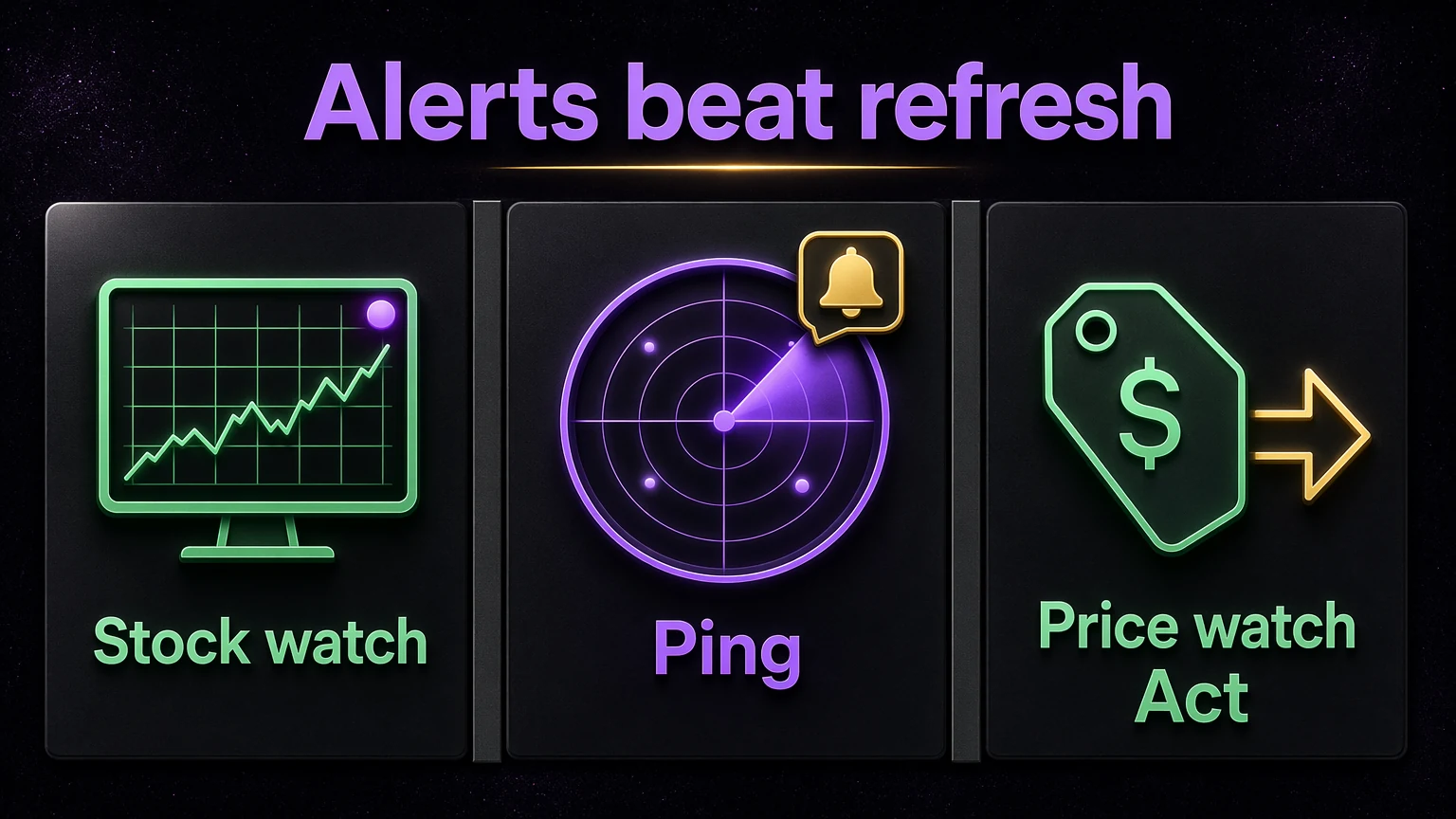
Here is the honest math, and it is the whole point.
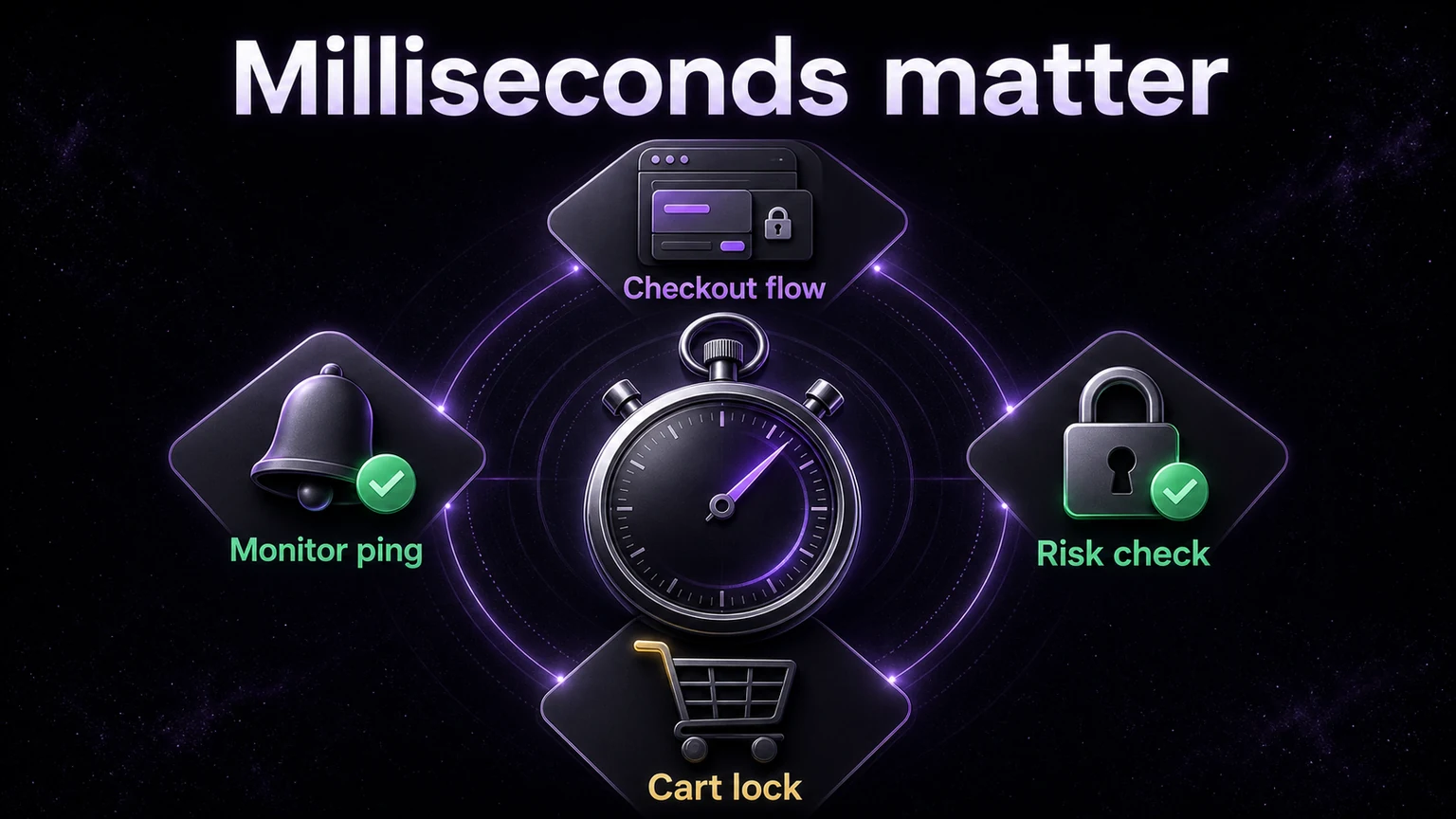
Say a limited item sells out in 90 seconds. Your window to act is 90 seconds, full stop. Everything comes down to how much of that window you actually get.
Manual, best case. You are actively watching the one right page, refreshing by hand every 10 seconds. On average you learn the item is live 5 seconds after it went live (halfway between refreshes). Then you scramble to find the size, the link, the checkout. Call reaction time another 8 seconds. You entered the race at second 13 of a 90-second window. And that is your best case, the maybe two hours a day you are locked in on that exact page.
Monitor. It polls the exact variant every 2 seconds, so average detection lag is 1 second. The Discord push hits your phone in another second or two. You tap a pre-filled cart link. You are in the race by second 4, with the size already identified for you.
On that single page, in that single window, the monitor got you in roughly 9 seconds sooner. Nine seconds out of a 90-second sell-out is 10 percent of the entire opportunity. On stock that thin, 10 percent of the window is the difference between checkout and "sold out."
Now stack the real world on top of the one-page comparison:
- The manual number only exists during the ~15 percent of the day you can actively watch. The other ~85 percent, your detection lag is effectively infinite, because you are asleep or at work and never see it at all.
- The monitor watches every site you point it at, at the same time. Your one pair of eyes cannot.
So the seconds-saved figure is not really "9 seconds." It is 9 seconds on the drops you happen to be awake and staring at, and it is the entire window, every second, on the roughly 85 percent of drops you would otherwise miss completely. Speed is the edge, and coverage multiplies it.
Manual versus monitor, side by side
| Factor | Refreshing by hand | Automated monitor |
|---|---|---|
| Hours covered per day | ~2 to 3 realistic | 24 |
| Sites watched at once | 1 | Many, in parallel |
| Poll speed | Every 5 to 10 seconds, tops | Every 1 to 3 seconds, steady |
| Detects exact variant/size | Only if you spot it | Yes, targeted |
| Detection lag in a live drop | ~5 seconds when watching, otherwise you miss it | ~1 to 2 seconds |
| Delivery channel | You noticing | Discord push in seconds |
| Coverage while you sleep | None | Full |
| Handles anti-bot bans and CAPTCHAs | You fight them | Maintained for you |
The table is not close. The manual column is a person doing their honest best against a machine built for exactly this.
What the seconds are worth in dollars
Speed only matters because the item behind it has a real spread. Alerts are not the profit. The flip is. And the flip only nets out after fees, so let us run it honestly.
Say a monitor pings you on a limited sneaker at retail. You buy at $150. Comps show it reselling at $270. Feels like $120 of profit. It is not.
- Resale price: $270
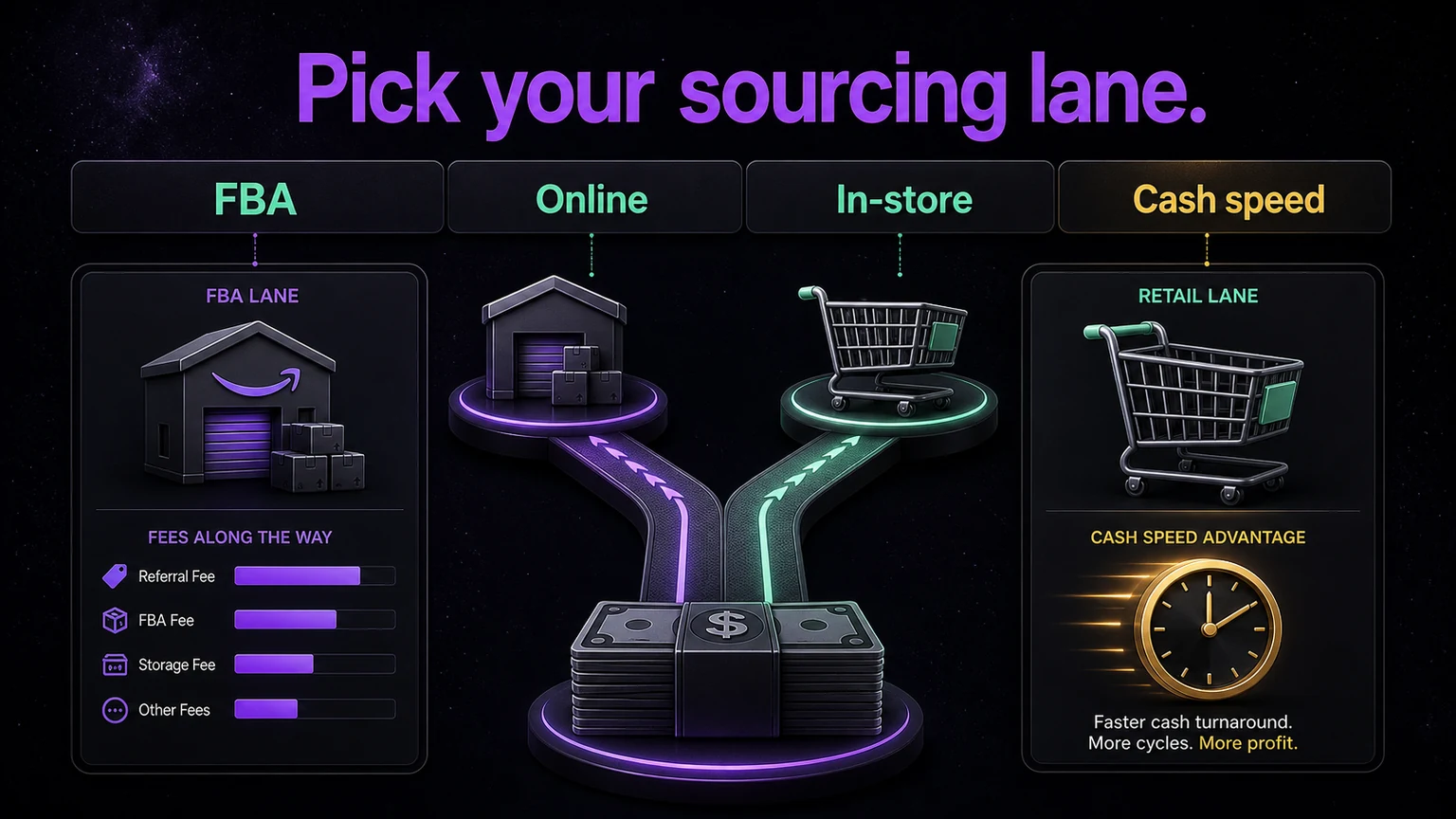
- eBay final value fee: authenticated sneakers at $150 or more are charged around 8 percent, so about $21.60
- Outbound shipping (label): about $12
- Packaging and supplies: about $2
- Net after costs: roughly $234.40
- Subtract your $150 cost: net profit about $84.40
That is a real, healthy flip. But notice the shape of it. The $270 comp did not survive contact with fees and shipping. It became $84. And you only ever got that $84 because the alert put you in the 90-second window while it was still at retail. Miss the window, and the same shoe costs you $250 on the resale market, and the flip is dead before it starts. The monitor did not create the margin. It bought you the seconds that let you capture it.
For a card example, the math rhymes. A monitor catches a sealed product restock at $100. It comps at $160. Standard eBay final value fee on most categories runs about 13.6 percent plus a small per-order fee (roughly $0.40 on orders over $10), so about $22.20 in fees, plus shipping and a bubble mailer, call it $6 total. Net take is around $131.80, minus your $100, so roughly $31.80 profit on a fast flip. Thinner, but real, and again only available because you were first. For how the fee math scales on bigger sales, see reselling profit margins explained.
The pattern is the same every time: speed gets you in at cost, fees shrink the exit, and net is what you keep. Alerts win you the entry. Comps and fee math decide whether the entry was worth taking.
Ready to stop refreshing and start getting pinged? Join Divine on Whop to get sneaker, price-error, and clearance monitors feeding your Discord, plus a 5-day free trial to see the alerts fire before you pay.
Not every alert is a good alert
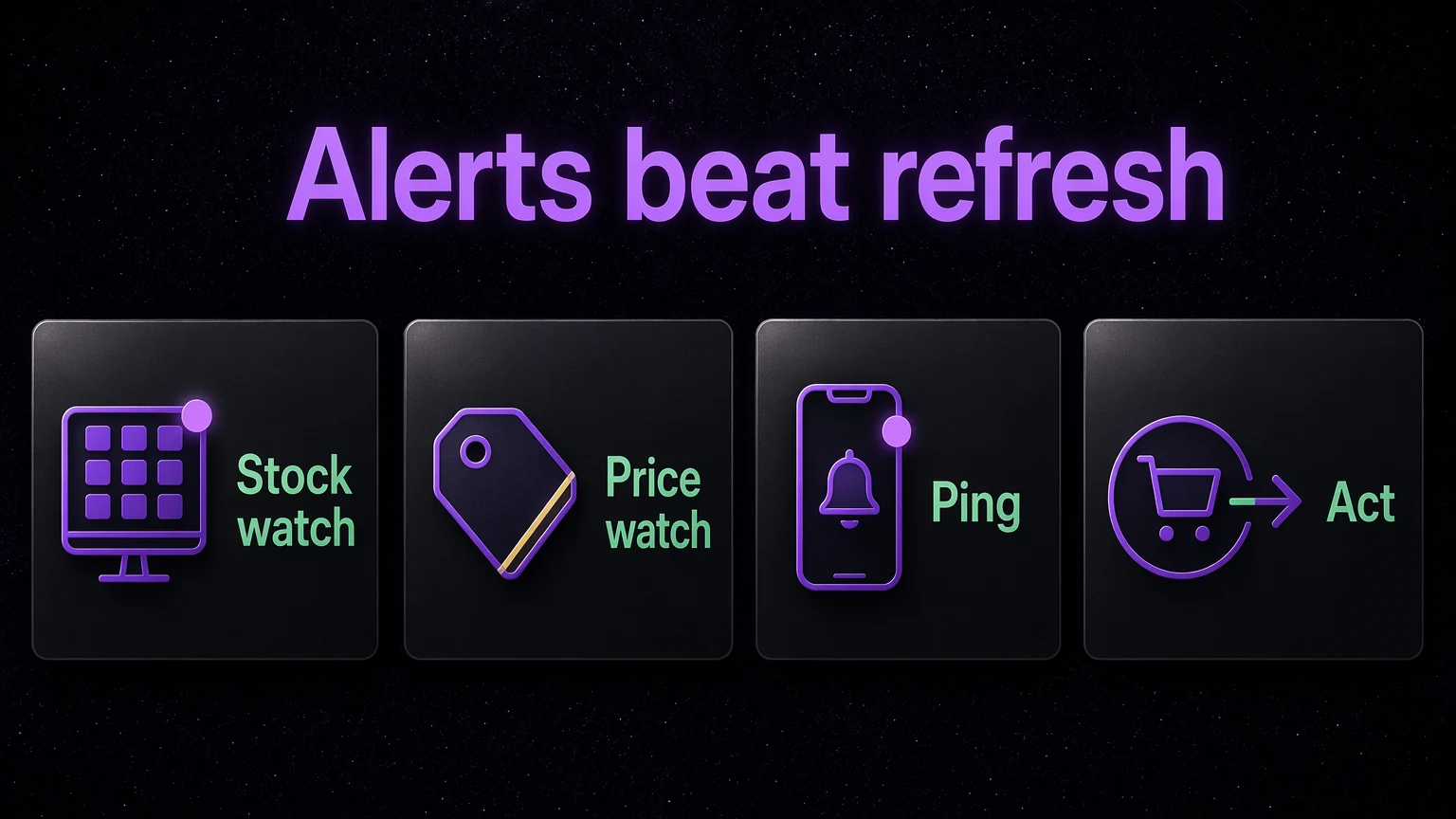
A monitor is a firehose, not an oracle. This is the caveat nobody selling you a Discord invite mentions.
False positives are real. Community-run monitors can misfire, flagging a phantom restock that is a caching glitch or a site test. Independent testing has clocked false-positive rates around 30 percent on some community servers. A fast alert that is wrong still costs you a checkout attempt and your attention. Accuracy matters as much as raw speed.
Noise buries signal. A busy server firing 400 pings an hour is not better, it is worse. If everything is an alert, nothing is. The value is in filtered, tagged, role-specific alerts that only ping you for the sites, sizes, and price thresholds you care about. A wall of noise trains you to ignore the one alert that mattered. This is exactly what to audit before paying, covered in are reselling communities worth it.
Speed does not fix a bad buy. The fastest alert in the world on a hyped card that crashes next month just gets you into a loss faster. Monitors tell you something is available. They do not tell you it is a good flip. That still takes comps, sell-through checks, and judgment.
A pre-peak, well-covered monitor still competes with bots. On the most hyped drops, you are racing automated checkout software. An alert plus a fast manual checkout can win on many sites, but on the hardest releases, the alert is table stakes, not a trophy. Price errors and quiet restocks, covered in how to spot price errors, are often where a monitor pays off best, because the crowd is not watching them.
Who should skip this
Monitors are a tool, not a personality. Skip building your reselling around alerts if:
- You want passive income. This is active. Alerts fire at inconvenient hours, and you have to act on them. If you will not move when your phone buzzes at 11:47 on a Tuesday, the alert is wasted.
- You have no capital to deploy fast. Alerts are worthless if you cannot buy in the window. You need cash ready, not "let me move money around first."
- You will not do comps. An alert without price research is a coin flip. If checking sold listings bores you, monitors will just help you lose faster.
- You are not near a computer or phone during drop windows. Coverage cuts both ways. The monitor watches 24/7, but you still have to be reachable to act.
If any of those is you, a monitor is not the missing piece. The mindset is.
FAQ
Do I need to be a programmer to use a monitor?
No. You can run open-source monitors from GitHub yourself, but that means configuring feeds, fighting rate limits and CAPTCHAs, and fixing them when a site changes. Most resellers instead join a community that runs maintained monitors and pipes the alerts into Discord, so you just receive the pings. A community setup like Divine Pro hands you the alerts without the upkeep.
How fast do Discord alerts actually arrive?
The delivery step is fast, seconds, once a change is detected. The real bottleneck is the poll interval, how often the monitor checks. Tight-interval monitors detect changes within a second or two. Community tests have measured verified alerts landing in the 4 to 6 second range. Compare that to retailer "notify me" emails, which often arrive 30 minutes to hours late.
Are monitors the same thing as bots?
No. A monitor watches and alerts. It detects a change and tells you. A bot (autocheckout software) acts, attempting the purchase automatically. They pair well, the monitor triggers the bot, but they are different tools doing different jobs. See what are autocheckout bots for the checkout side.
Can a monitor guarantee I catch the drop?
No, and anyone promising that is lying. A monitor maximizes your odds by getting you into the window first, but on hyped drops you are competing with other alerts and automated checkout. Stock can also sell out inside the seconds it takes to check out. Monitors improve your hit rate. They do not guarantee it.
Do monitors work for trading cards too?
Yes. The same check-compare-alert loop watches card retailers for sealed product restocks, price drops, and new listings. A card-focused community with dedicated card monitors is Divine Cards Pass, built around alerts and insider tips for flipping cards early.
Will running a monitor get me banned or in trouble?
Monitoring public product feeds is generally legal, but aggressive polling can trip a retailer's rate limits and get your IP or account temporarily blocked from that store. This is why spacing requests and rotating IPs matters, and another reason most resellers let a maintained community run the monitors rather than hammering sites themselves. Always respect a site's terms.
Verdict and next step
Refreshing pages by hand is not a strategy. It is a bet that the drop happens during the two hours a day you are staring at the one right tab. The math does not work. On a 90-second sell-out, a monitor gets you in roughly 10 percent sooner on the drops you are awake for, and it covers the roughly 85 percent of drops you would otherwise sleep through entirely. Speed is the edge, and a machine that never blinks owns speed.
The alert is the trigger. The flip is the payoff. And the payoff only shows up after fees, so pair fast alerts with real comps and honest margin math every single time. If you want the monitors, the Discord alerts, price-error and clearance pings, and the autocheckout tools already wired together, start a free Divine trial and watch the alerts fire before you commit a dollar.
Realistic expectations: reselling is a business with real costs, marketplace fees, shipping, taxes, unsold inventory, and your time. Monitors improve your speed and coverage, but they do not guarantee profit, and no alert makes a bad buy good. Do your own comps, run your own fee math, and only deploy money you can afford to have tied up in inventory.
Get to the deal first
Divine is the alert network, monitors, and autocheckout built on this exact process. Try Divine Pro free for 5 days.
Reselling is a real business with real costs: marketplace fees, shipping, taxes, and unsold inventory. Profits are never guaranteed. Always check the comps before you buy.